Capacity planning for freelancers: know before you say yes
Capacity planning for freelancers is simple math: add up your task hours, compare them to the hours you have, and cut the overflow before you start.
5 min read
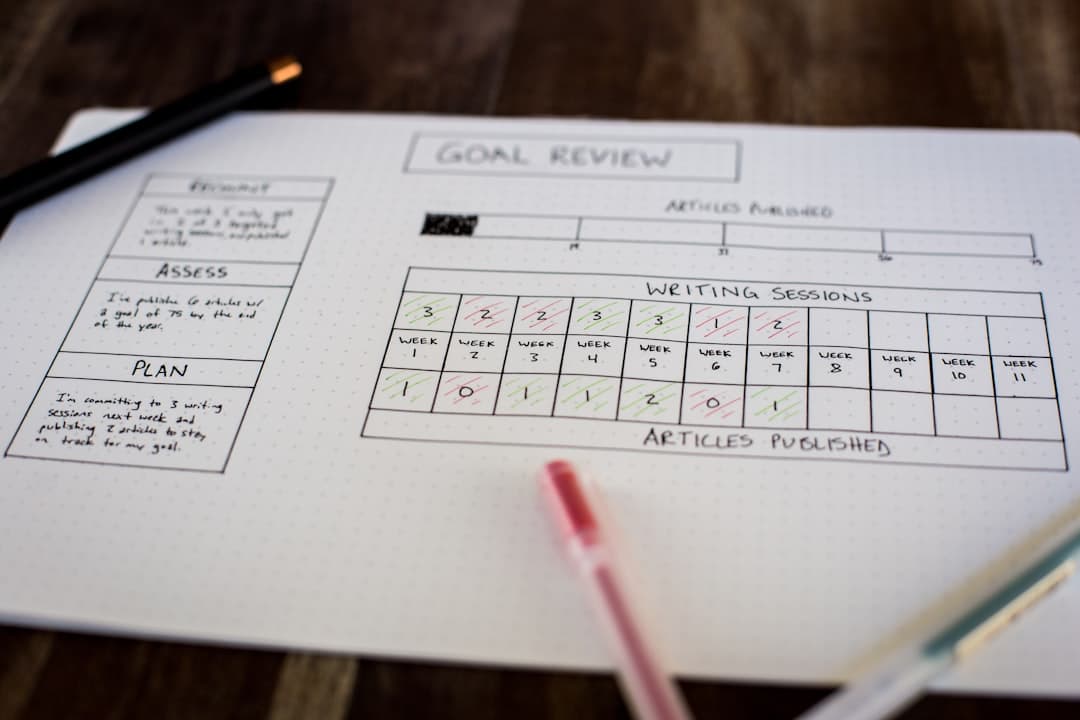
In one line: capacity planning as a freelancer means adding up how long your tasks actually take, comparing that to the hours you really have, and cutting the overflow before you start. It takes about ten minutes each morning. The payoff is finding out your day is too full at 9am, while you can still move something, instead of at 5pm when you cannot.
Most freelancers plan in their head. You look at the list, guess what fits, and start at the top. By mid-afternoon you are behind, not because you are slow, but because you agreed to more hours of work than the day contained. You never counted, so you never saw it coming.
The fix is not a system with a branded name. It is four small habits you can run with a notebook, a spreadsheet, or a capacity-aware planner. Here is the method.
Step 1: Give every task a real time estimate
A to-do list has no time in it. A 30-minute email and a four-hour proposal sit on the same line and look identical. Your eye counts items, not hours, so six "quick" things quietly add up to a full day.
Go through today's tasks and write minutes next to each one. Not "small" or "big". Actual numbers: 30, 90, 180. Saying "that invoice is 45 minutes, including digging out the amounts" forces an honesty that "quick invoice" lets you dodge.
Common mistake: rounding to your best case. The proposal you call an hour is usually two. Estimate the version where things go slightly wrong, because they usually do.
Step 2: Set the hours you actually have, not the hours you sit down
Ask how many hours are left for real tasks after meetings, email, admin, and breaks. That number is almost never eight. For most freelancers it lands between five and six.
Pick today's number and write it where you can see it. It changes day to day: four hours on a Friday, seven on a quiet Tuesday. What matters is that a ceiling exists at all, because a day without one never feels full until it is already over.
Common mistake: counting desk time as task time. Sitting at your desk for eight hours does not give you eight hours of focused work. Subtract the overhead first.
Step 3: Add it up and compare, on paper, before you start
Now do the arithmetic you have been doing in your head. Total the minutes from step 1. Put that next to the ceiling from step 2.
Six hours of capacity against seven hours and twenty minutes of tasks is not a motivation problem. It is eighty minutes that will not fit, and no amount of pushing changes the total. Seeing the two numbers side by side is the whole trick. Done in your head, the sum always rounds down to "should be fine".
Common mistake: trusting the gut check. Five tasks of "about an hour" are rarely five hours. Write the total, do not feel it.
Step 4: Cut the overflow at 9am, not 5pm
When the tasks beat the ceiling, decide now what moves. One task to tomorrow, one to the backlog, one you realise was never as urgent as it felt. You still make this cut every day. The only question is whether you make it on purpose in the morning or by accident in the evening.
Deciding early turns "I ran out of time" into "I chose what to drop". Same tasks, same day, completely different feeling at the end of it.
Common mistake: starting anyway and hoping. Hope is not capacity. The overflow does not evaporate because you ignored it, it just lands on tomorrow uninvited.
Where the planning goes wrong on its own
Two forces make this harder than it should be, and neither is about discipline.
The first is that your list hides time. Tools like Todoist or Notion are built to hold tasks, not hours, so nothing on the screen tells you the day is already sold out. You can be organised and overbooked at the same time.
The second is the planning fallacy, a bias named by psychologists Daniel Kahneman and Amos Tversky: people underestimate how long their own work takes, every time, no matter how often they are wrong. You are not bad at this. Everyone is. That is exactly why the estimate has to live on paper and not in your confidence.
What this actually changes
You will still have busy weeks and last-minute client requests. Capacity planning does not remove the work. What it removes is the surprise.
The day you know at 9am will be tight is a day you can steer. You move two things, your plan fits, and you close the laptop having done what you said you would, not what you wished you could. That calm is not a productivity trick. It is arithmetic your task list finally knows about.
If you would rather not run the math by hand, that is the one job a capacity-aware planner does for you: give each task a size, set your daily hours, and the board turns red the moment you have booked more than the day holds. TaskBerry is free to start, and Pro is €9.95 a month or €99 a year.
TaskBerry
TaskBerry is a day planner built for freelancers. Set your capacity, add your tasks, and know before you start whether the day works.
Start planning free →Continue reading


Plan a day that actually fits.
TaskBerry is the executive task manager for freelancers. Set your capacity, add your tasks, and know before you start whether the day works.
Start free